By 2021 smartphone camera makers moved en-masse to computational photography, eschewing the mechanical, pixel-driven, single-shot camera systems that had gone before. The smartphone camera system became, and continues to be, the most advanced and reliable mass-market photographic system ever designed. As such, it is an imaging system that requires some changes in the approach to “making pictures”.
The problem is that any number of sources continue to treat the smartphone camera as that mechanical, pixel-driven, single-shot system from the now-distant past, defeating all the development. Here is the practical, real-time guide to using the smartphone camera --
The first thing to realize is that the smartphone camera has five modes that give you the full computational process. These modes are Photo, Night, Portrait, Burst and Panorama. Using the “Pro” mode built into the stock camera app on an Android phone or a third-party camera app on either an iPhone or an Android phone pulls the photograph out of the pipeline very early in the process, defeating all of the advanced technology, giving you inferior output.
Smartphone camera systems can handle the trickiest lighting situations, highly articulated and complex scenes, finely detailed materials or the subtlest of color shadings because they are not relying on a fixed processing sequence but rather on flexible computational recognition of the scene in total and an interpretation of what is needed to give you the best rendering of that scene. In a sense, these camera systems “know” what they are looking at and “understand” that they are tasked with giving you the best photographic version of that scene possible... on their own.
The other thing to understand is that the image the camera is showing you on the display is a lower resolution preview and not the final, fully processed photograph. Not that the image will be drastically changed in the final output but the imaging process will refine the photograph for the highest quality output possible as it is being processed.
In conventional photography a lot of time and effort is given to setting the correct exposure. This includes everything from setting the ISO to adjusting the shutter speed and aperture, working back and forth between the exposure meter and the histogram. And it’s almost as time and effort consuming if you are using either shutter priority or aperture priority.
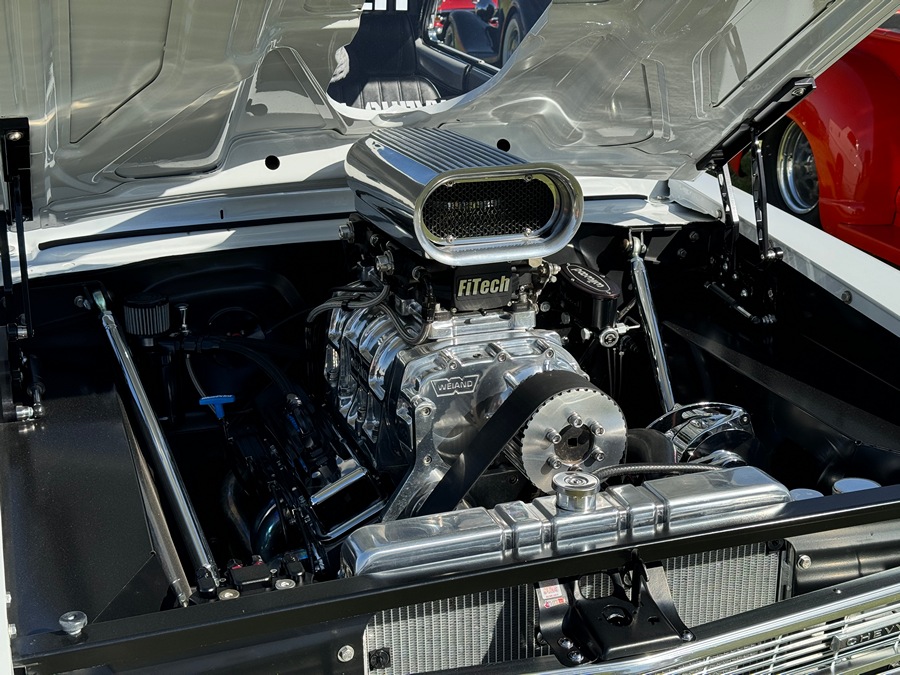 A full range photograph taken with an iPhone 15 Pro Max in Photo mode handling highlights and shadow appropriately.
When you are in any of the computational photo modes on your phone you needn’t worry about setting an exposure level as the system handles all of the scene assessment.
This includes setting ISO, the shutter speed and all of the other parameters while the preview image is appearing on the display.
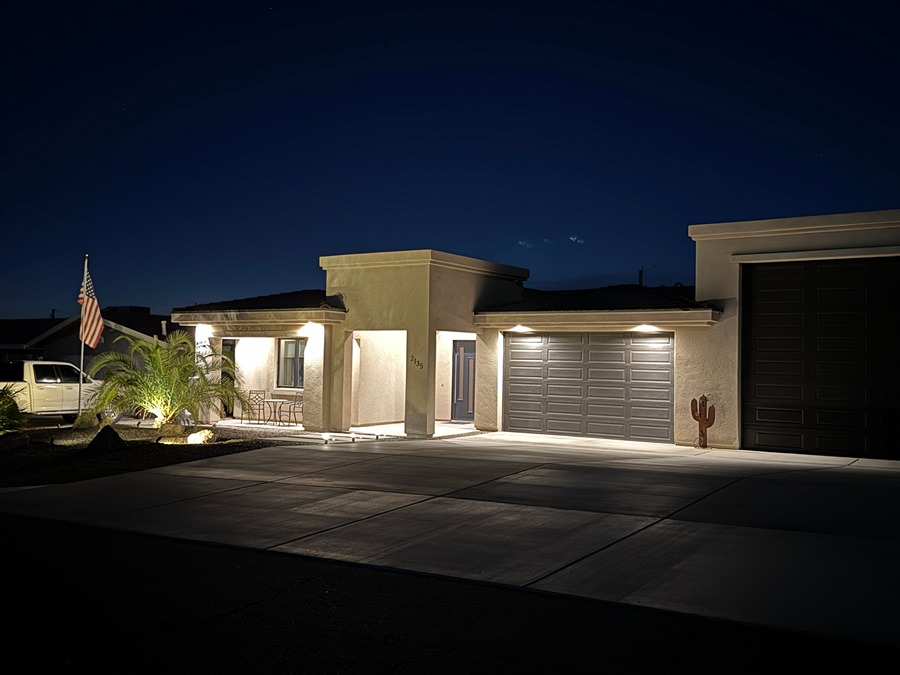 The photograph above was taken using an Apple iPhone 15 Pro Max in Night Mode.
(While the aperture is fixed on the vast majority of smartphone cameras Apple is currently offering a camera with four aperture size selections.)
The smartphone camera is a multi-frame system meaning it almost instantly takes a number of different frames of the scene at different exposure levels to use in constructing the final photograph. The final output is a composite of all the frames taken. That compositing happens from the global level to the granular level.
As the photographer, you can control the entire system with the screen tap. By tapping the screen at any specific point in the composition you control both the focus and exposure reference point. The screen tap keys the exposure and most often this is an area in the highlights you want to preserve. Tap and hold gives you an auto exposure / auto focus lock so you can recompose the photograph but lock both focus and exposure at the point set by the tap.
The second issue is the range of focal lengths offered. A range of usable “focal length” from close-up to extreme telephoto is demonstrated in the two photographs on the following two pages made using an Apple iPhone 15 Pro Max. With the exception of sizing to fit the page, the photographs are as they came out of the camera.
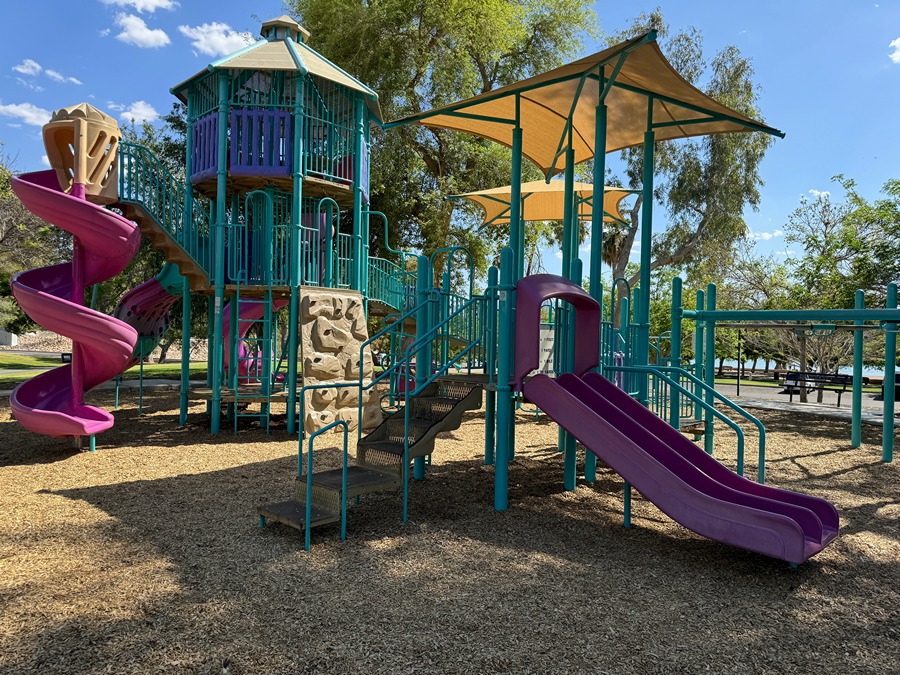
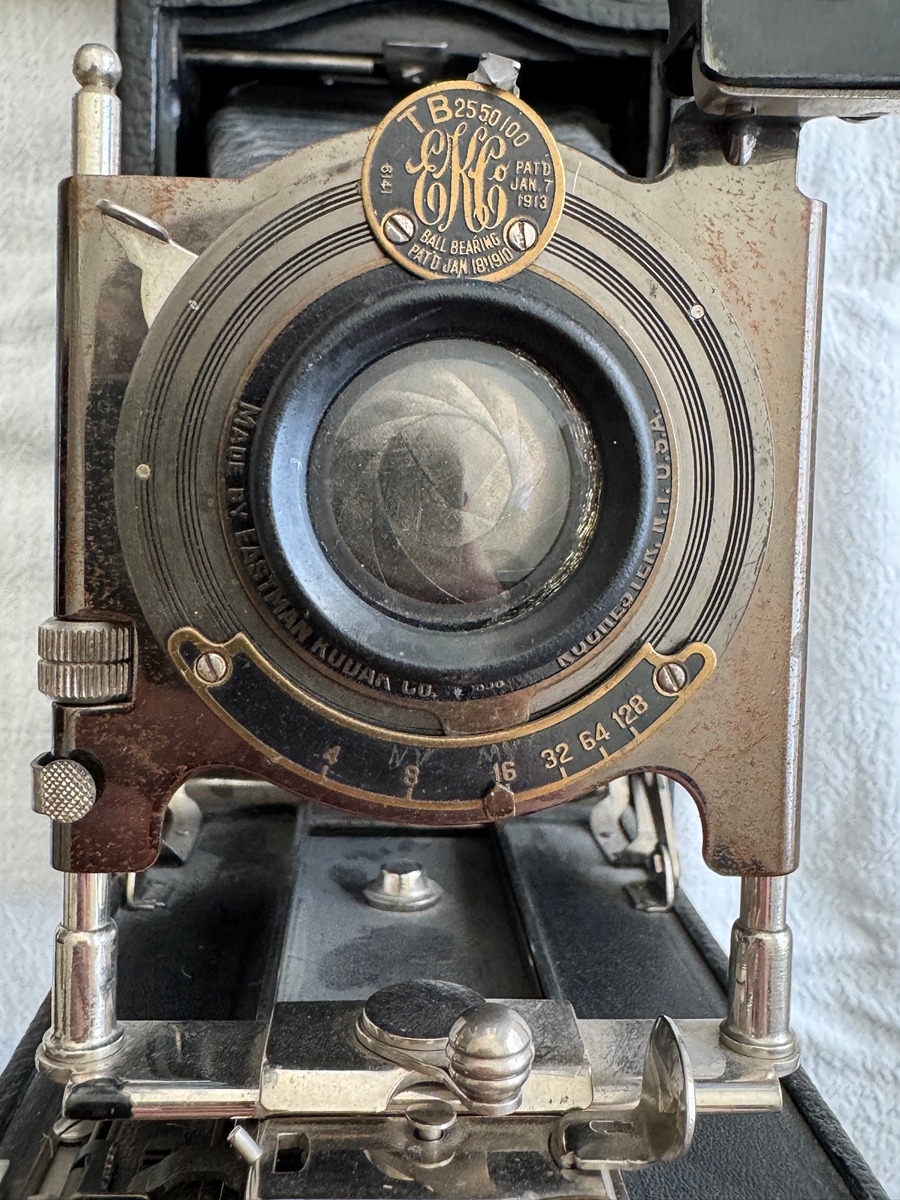
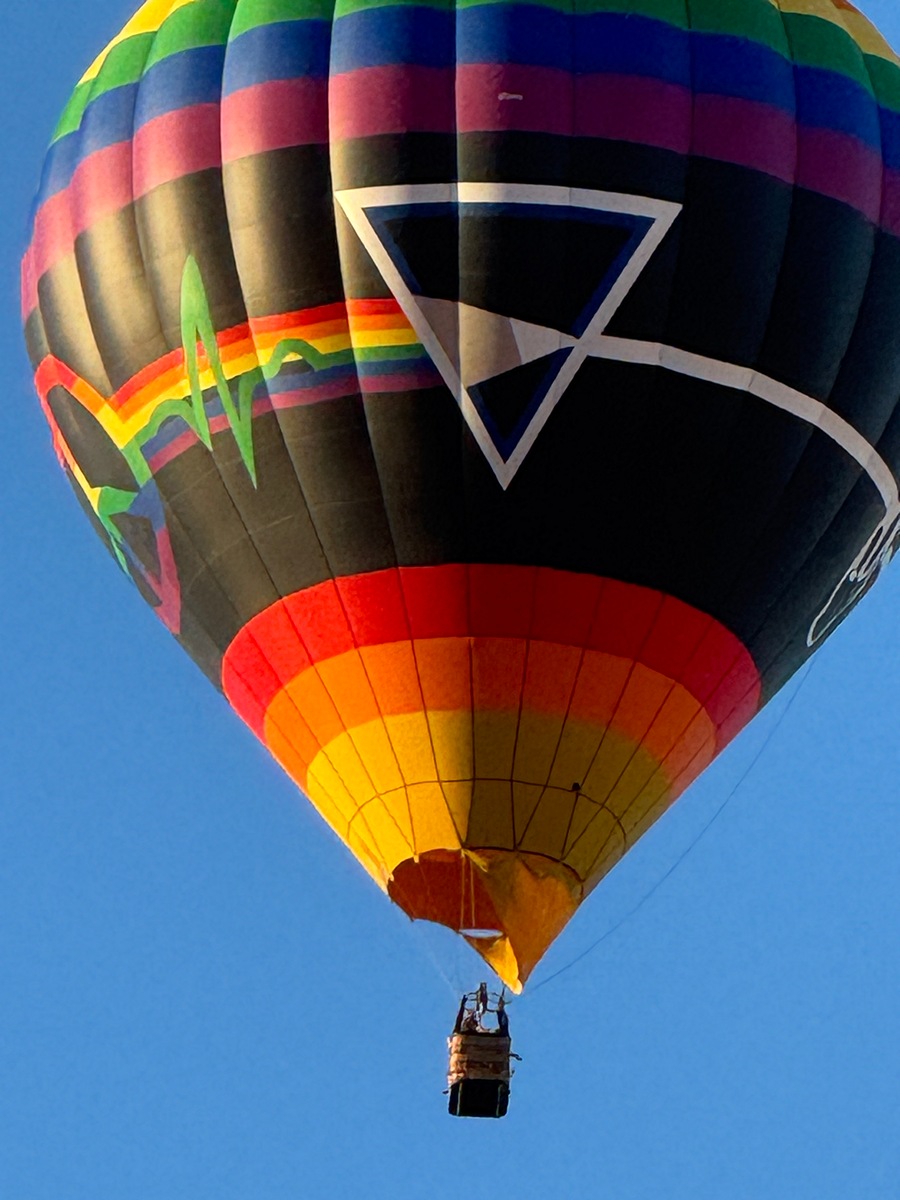
The issue, however, is no longer just how far a telephoto can reach or how close you can get. It’s the range of focal lengths the particular camera system can cover with acceptable results.
Both preceding photographs are more than just usable. While the balloon photograph has some noise issues, you still have significant detail, to the point you can see the texture of the weave in the basket carrying the pilot.
Note that both photographs were taken using the camera’s fully computational Photo mode and are output as complete, finished, fully usable photographs.
The fully computational output of the system is a JPEG file. This is not just JPEG compression applied at the end of the processing, simply squishing the photograph to a preselected file size. The system is aware of the JPEG output very early in the processing pipeline and optimized for that format. Dynamic range, tonal mapping, global and local HDR mapping, global and local contrast assessment, color accuracy based on the preview, noise reduction, etc., are all done with “acknowledgment” that the fully formed JPEG format is the system-standard computational output and the fully formed photograph needs to fit completely in that “wrapper”, from deepest shadow to brightest highlight and every range in between.
Smartphone cameras will provide “raw” files but with several caveats. The ProRAW file from Apple is not a traditional raw file. It has some processing applied including demosaicing, noise reduction, local tone mapping and lens corrections. The computational raw file from the Google system is also partially processed. Samsung, Motorola and other Android-based smartphone systems, provide a straight DNG for the raw file, bypassing most of the computational advantages.
Real time post processing impacts
A major advantage of the fully formed JPEG comes in the post processing area where most of the adjustments made are minor tweaks Much of what once happened later in Photoshop or a RAW editor now happens automatically inside the camera before the photograph is ever saved. As a result, the exported JPEG is a fully-finished photograph. If adjustments are needed for some reason, they are only minor presentation adjustments rather than the wholesale bludgeoning needed for RAW data.
The further implication here is for the software and the work station.
Because much of the processing work has been collapsed into the capture system, a heavy desktop or laptop workflow is no longer necessary. Meaning that much lighter software such as FastStone Image Viewer or IrfanView can be used for processing.
Hardware requirements are significantly eased as well. To put it bluntly, you no longer need a Hollywood-production-class work station. The photographer’s job is no longer to manually construct an image from raw technical data but to recognize moments, organize compositions and direct the camera toward the story being told.
What all of this means is you have far more time (and energy) to concentrate on the actual storytelling in your photography!
For all of the photographs that are on the following pages:
Some were made on an Apple iPhone 15 Pro Max, some were made on an original iPhone, some were made on a Samsung Galaxy S7 and some were made on a Galaxy S21. Some were processed on a laptop running Windows XP, some were done on a laptop running Windows 7, some were made on a laptop with Windows 10 and other on a laptop with Windows 11. But, despite all of the different machines and operating systems, all were processed using FastStone Image Viewer 8.5.
None of these differences are specified and all of the metadata has been removed. The point here is that you can’t tell the difference.
(Technical details for the laptops used in this demonstration follow the photographs.)
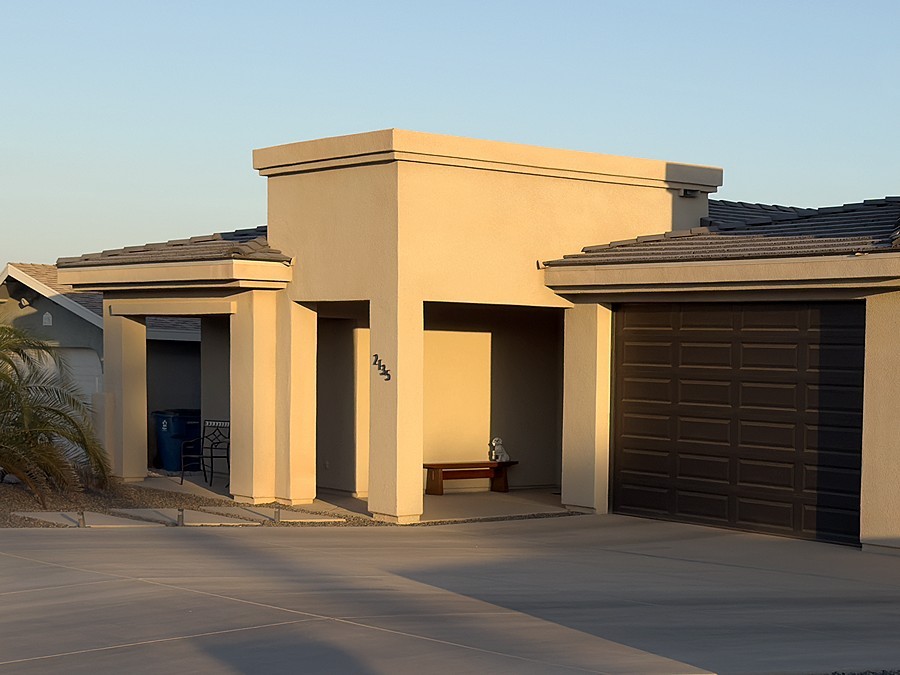

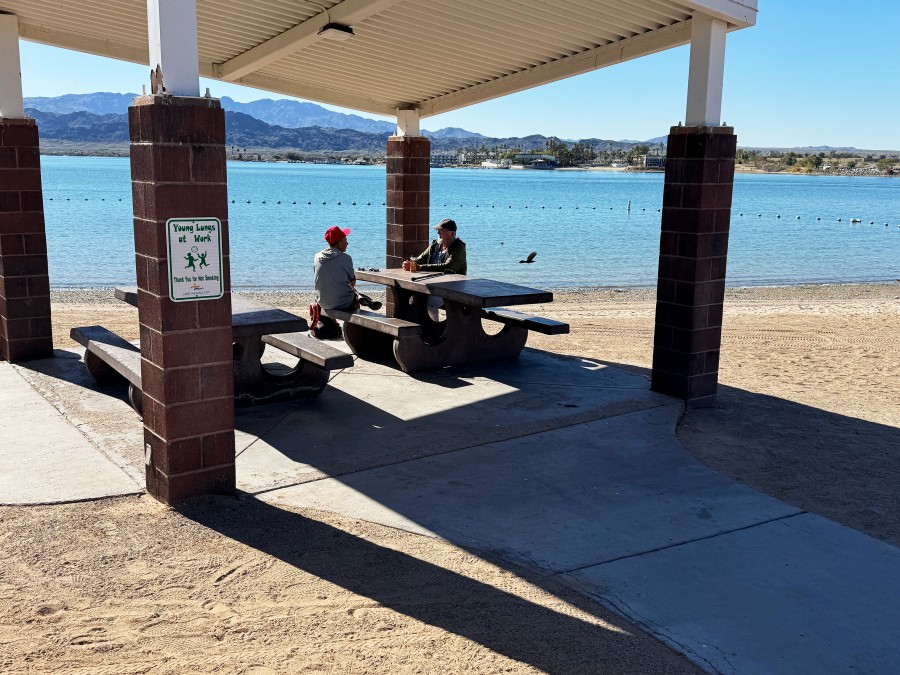
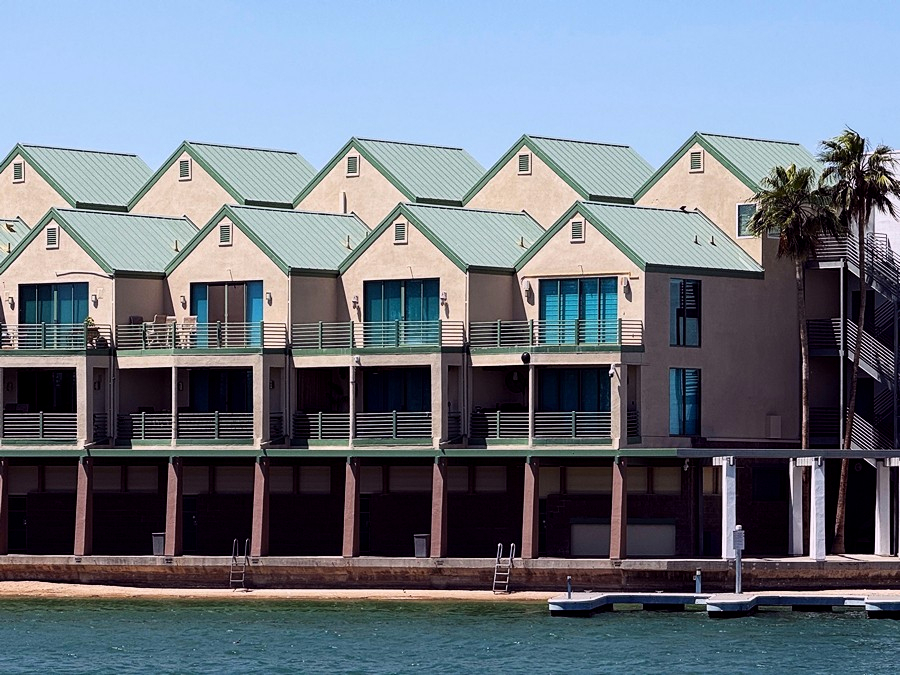

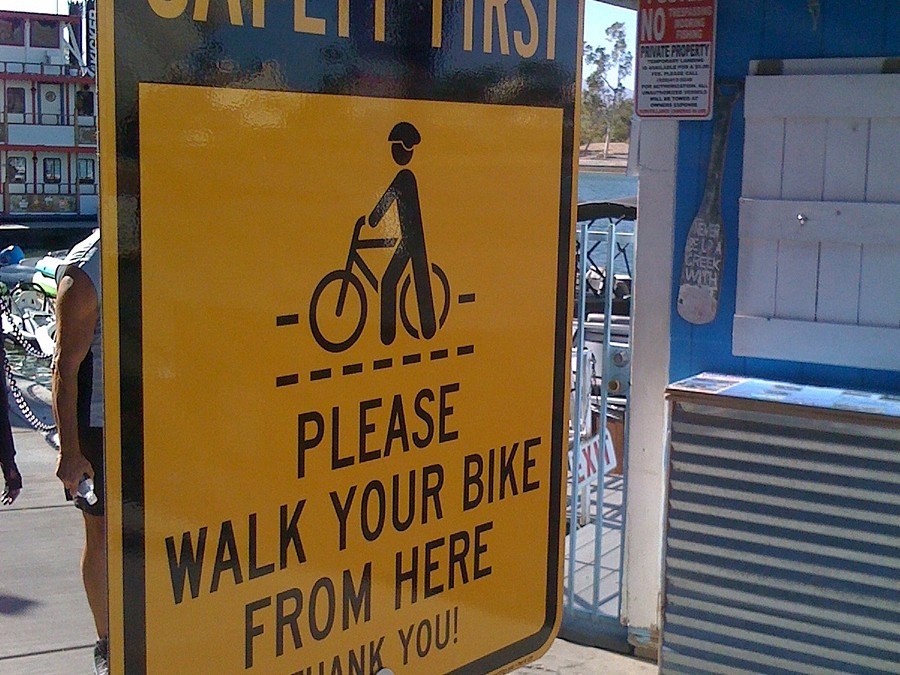
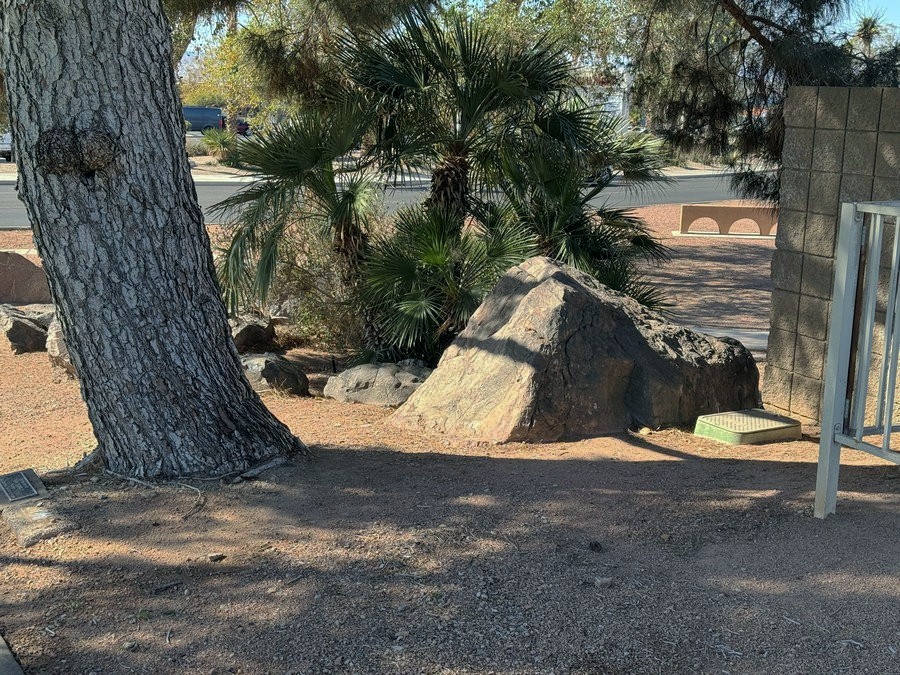
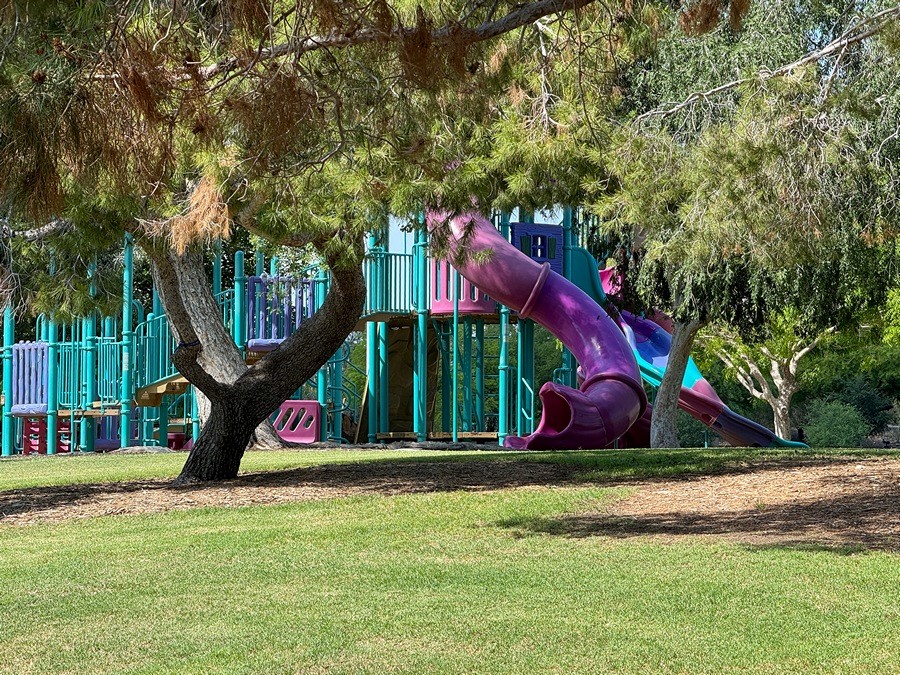
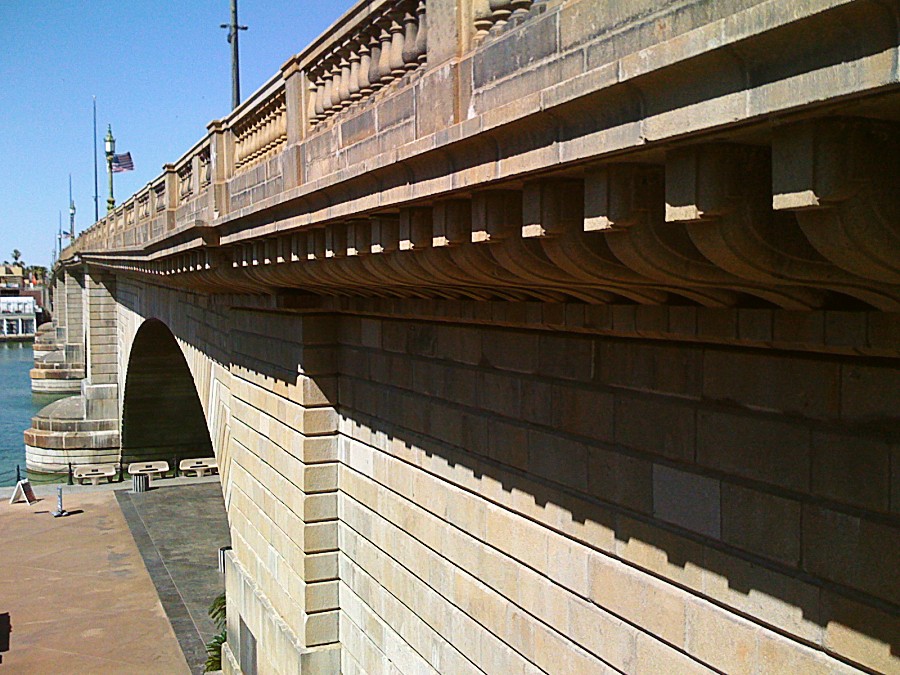
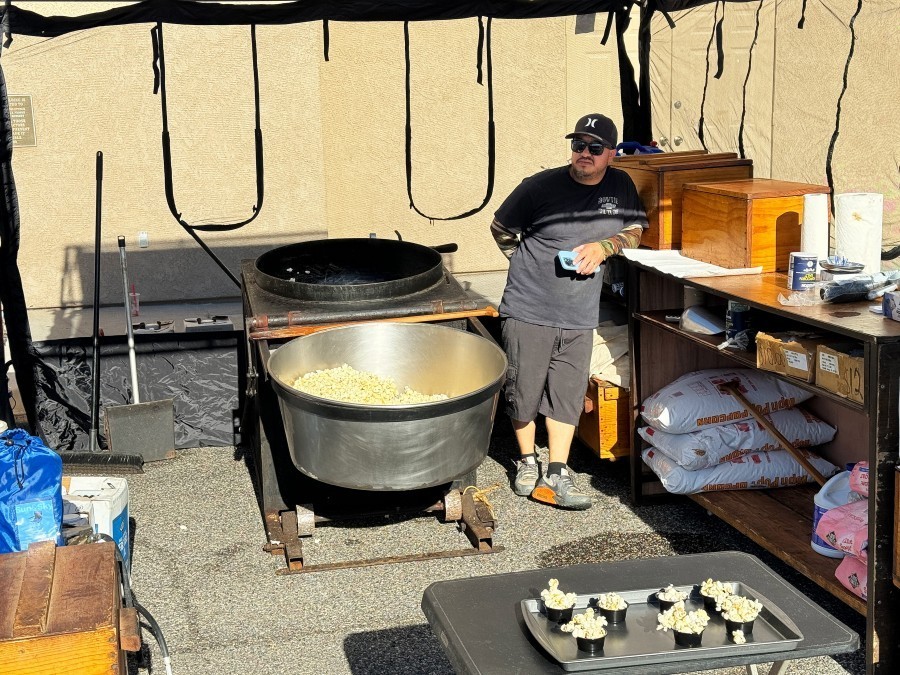
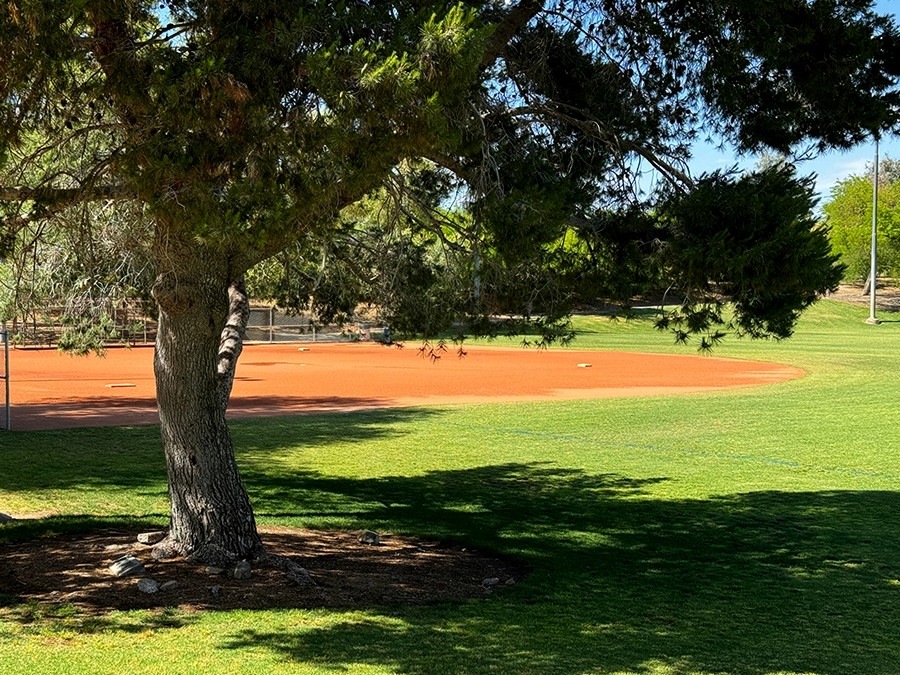

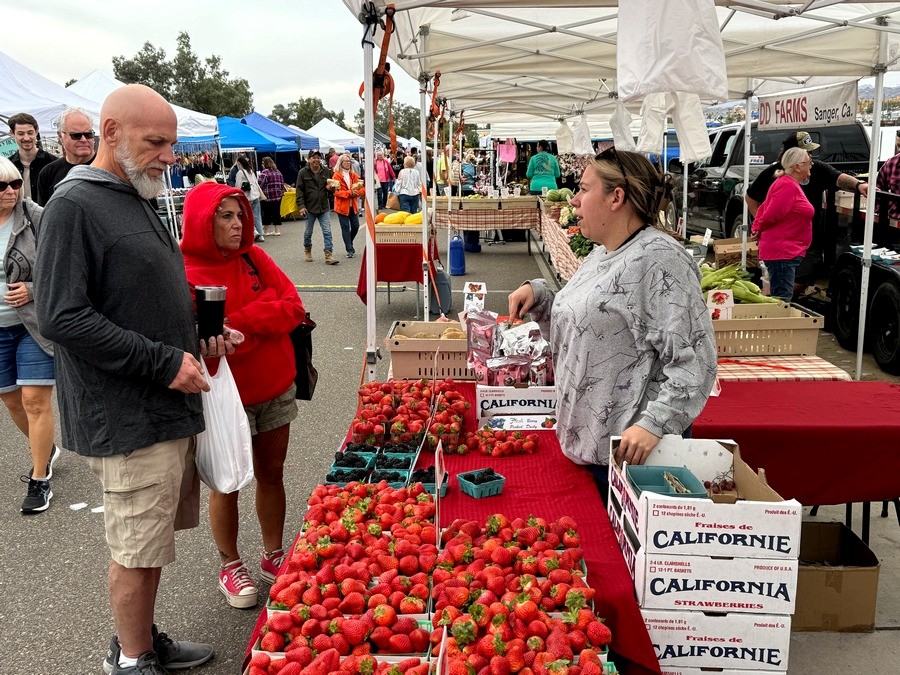
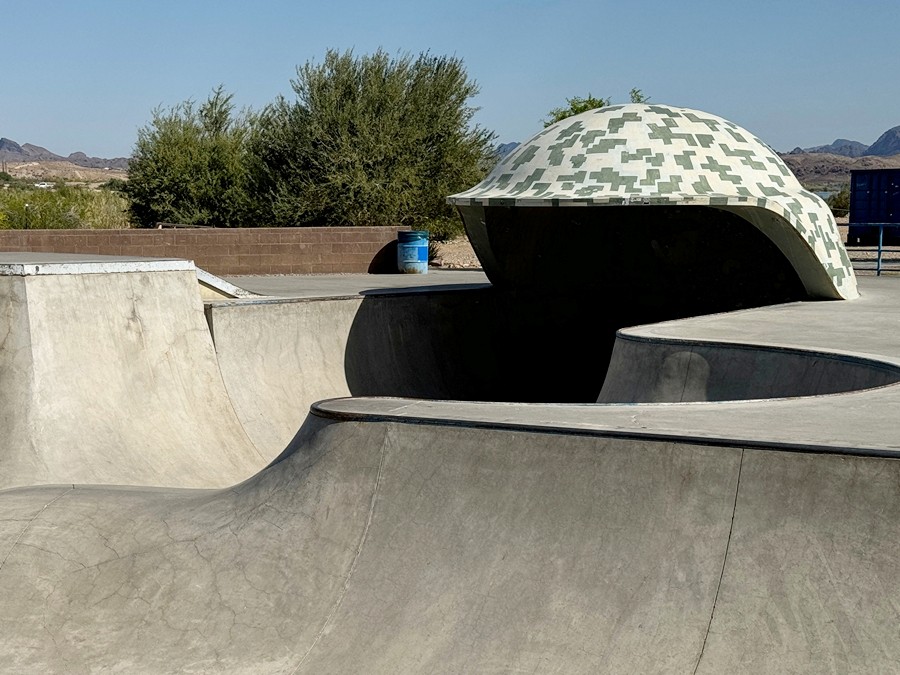

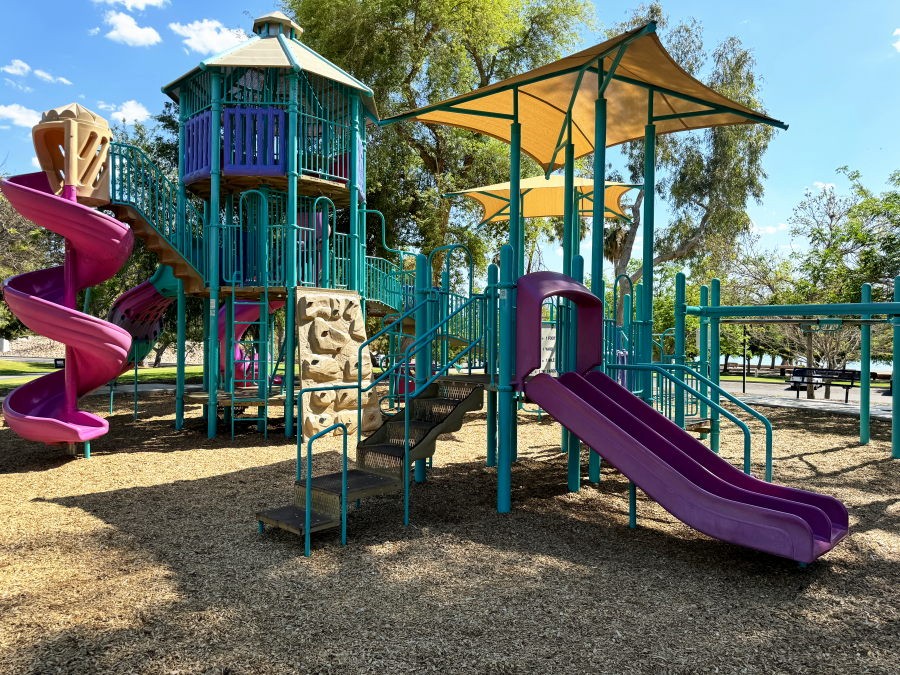
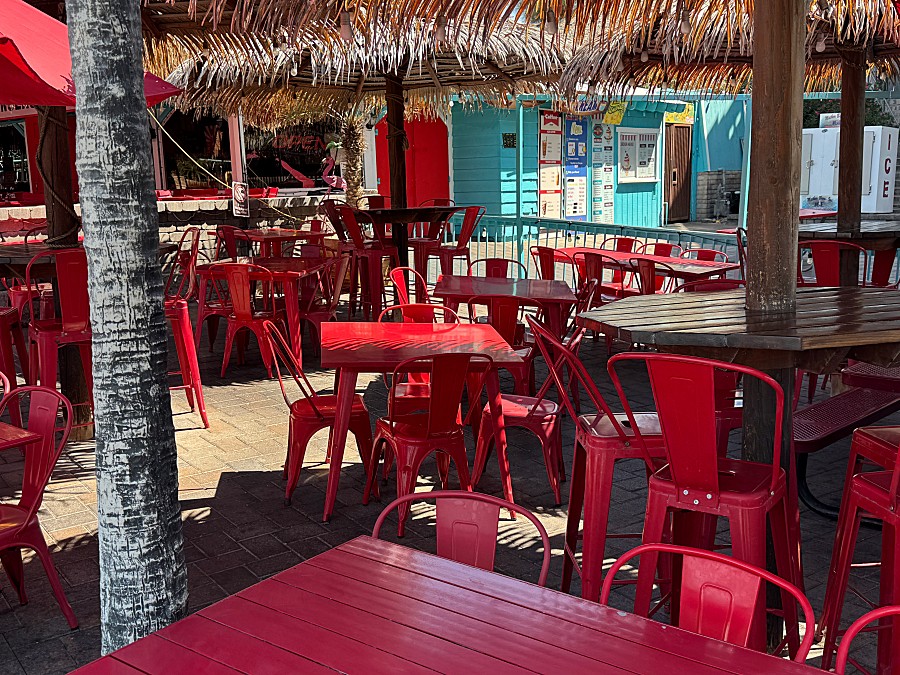

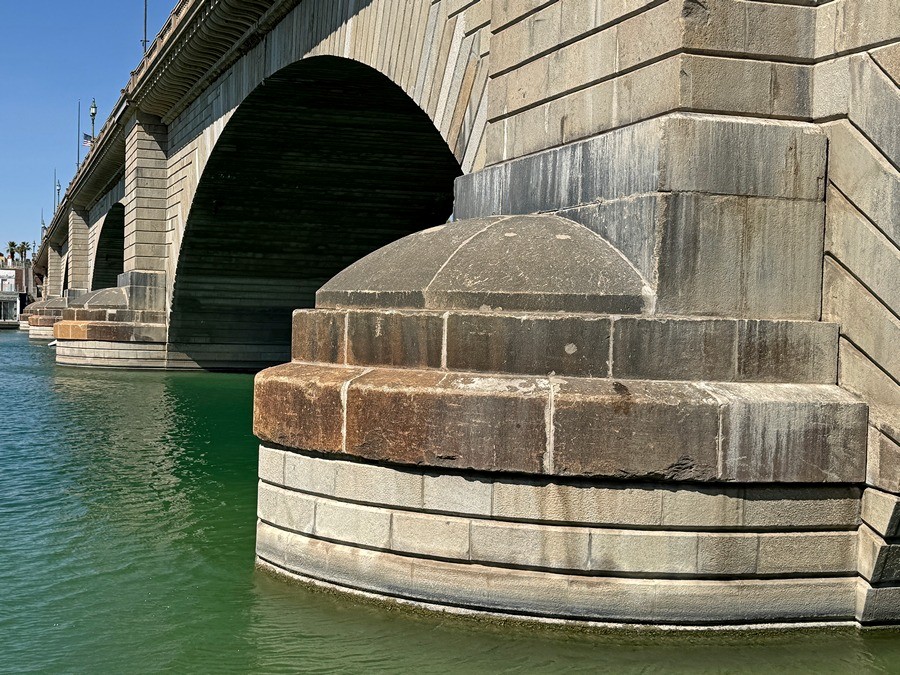
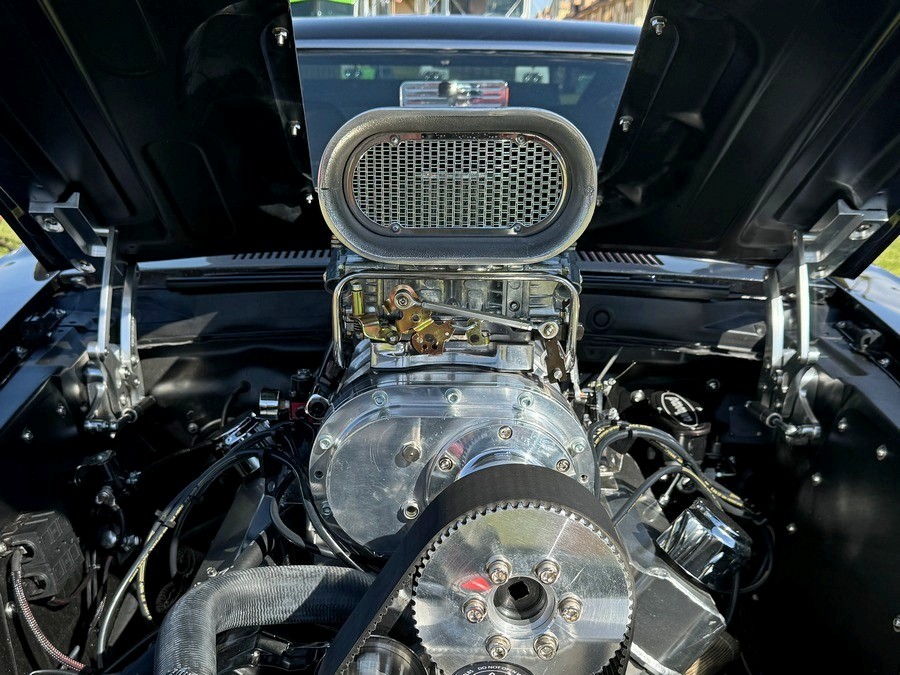
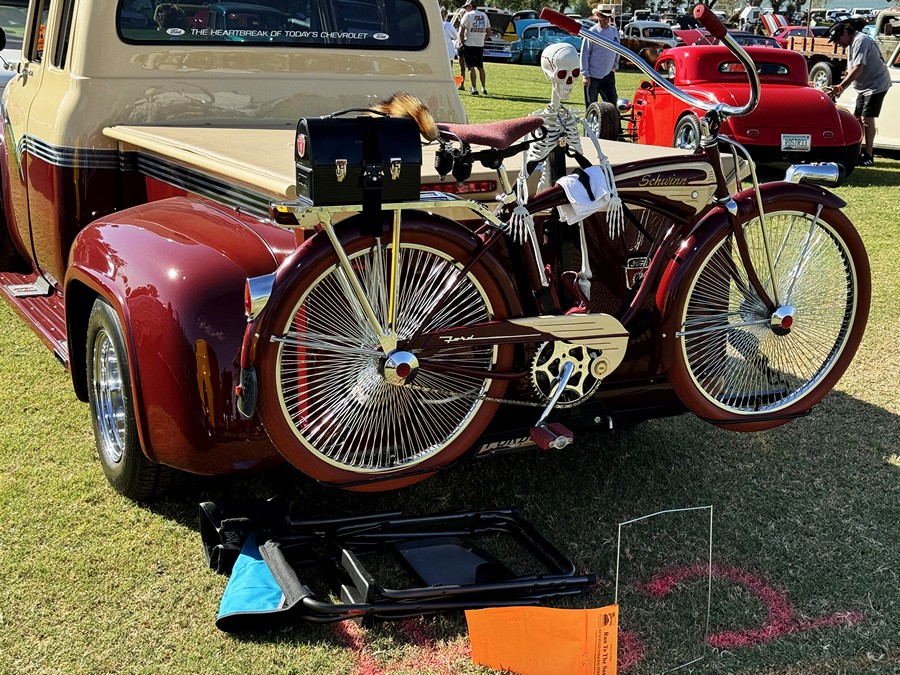
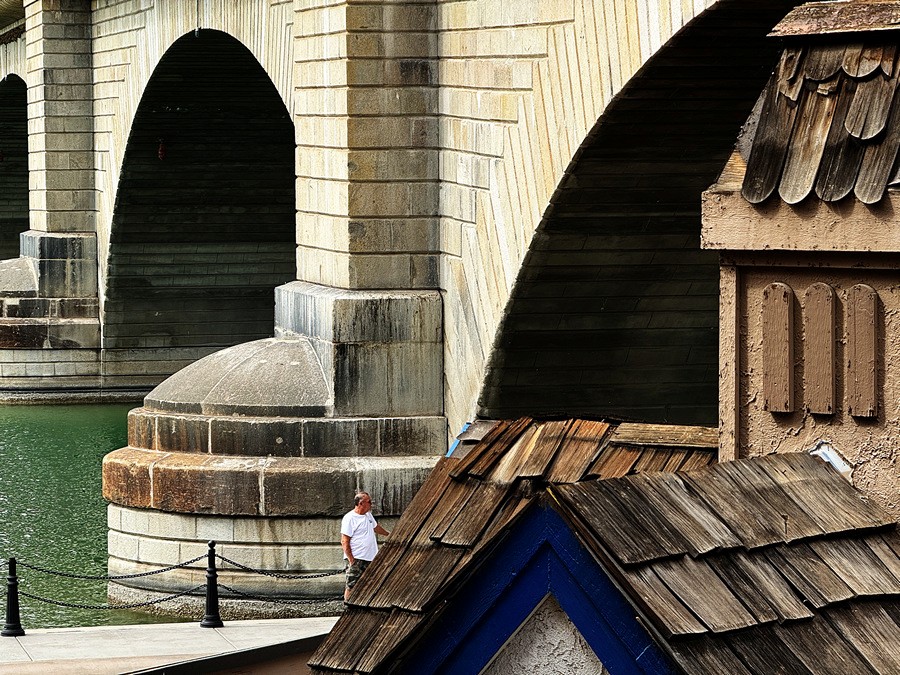
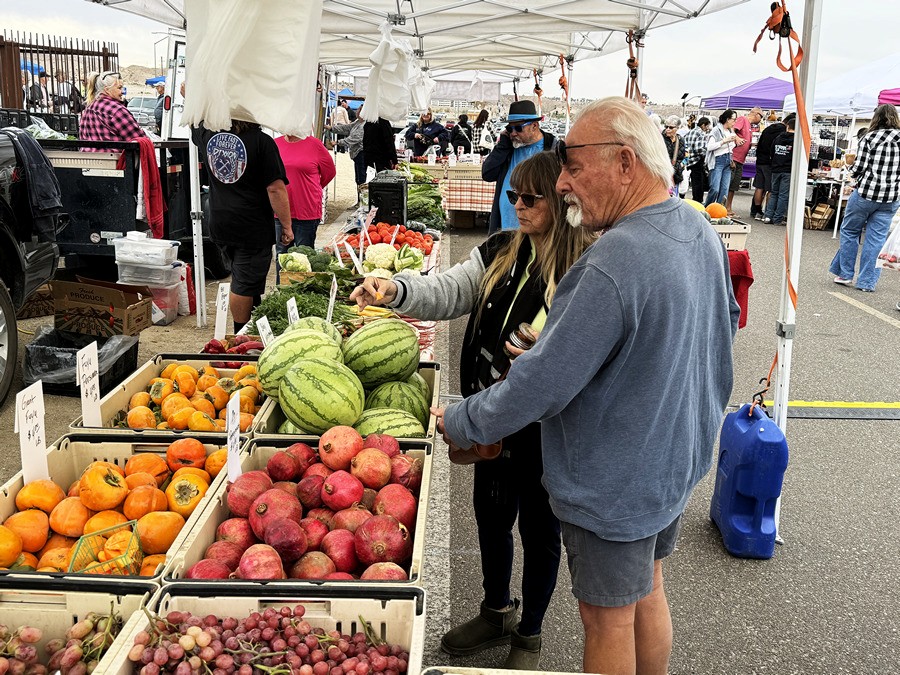
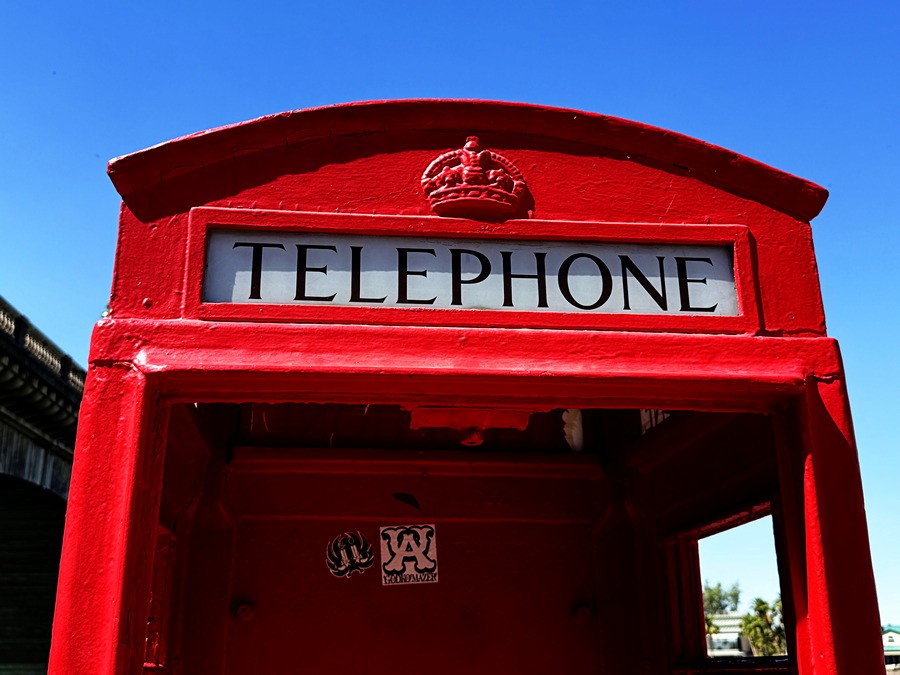
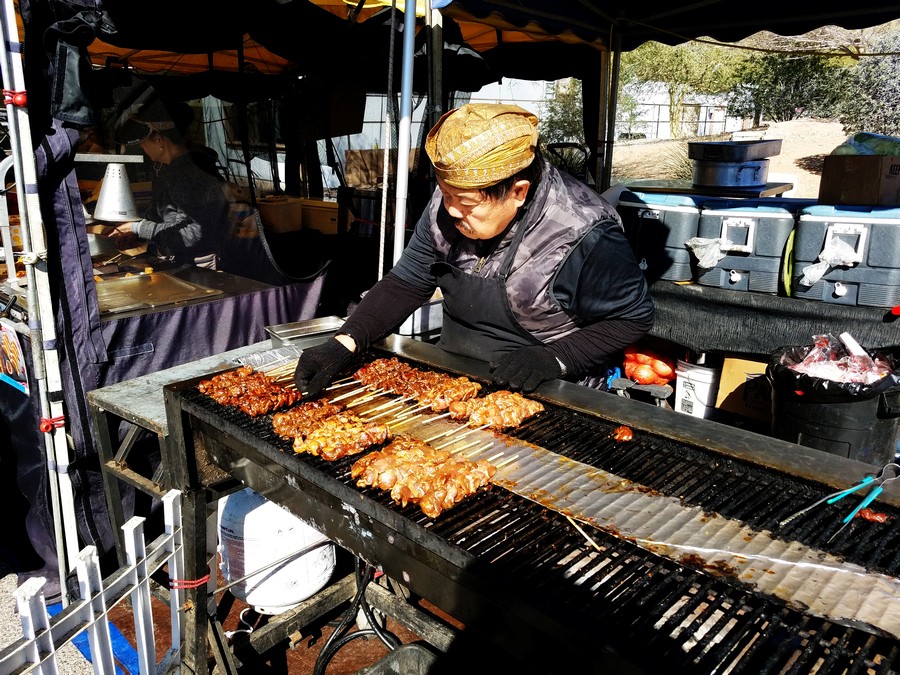
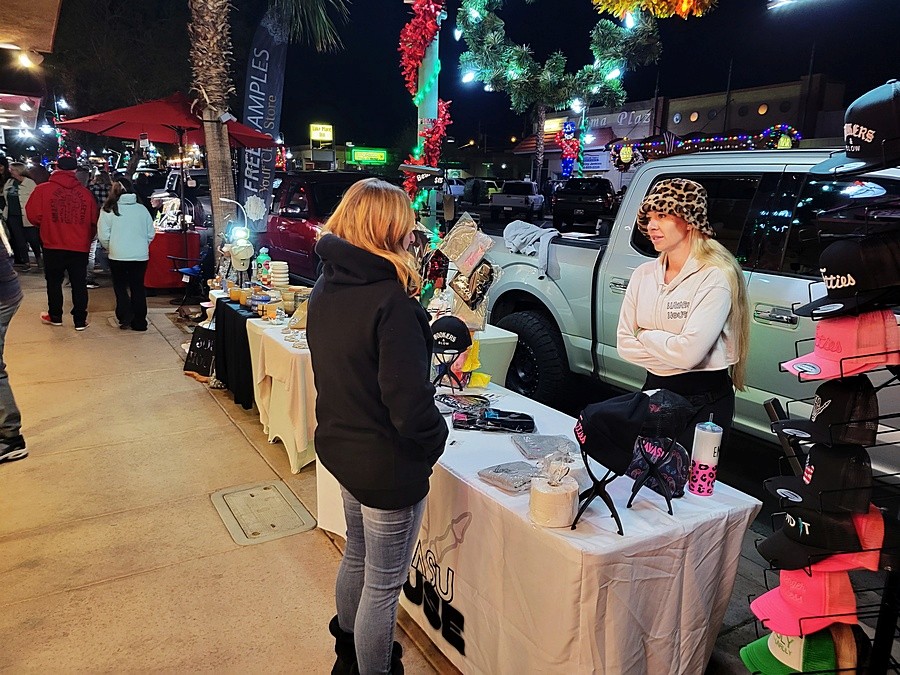
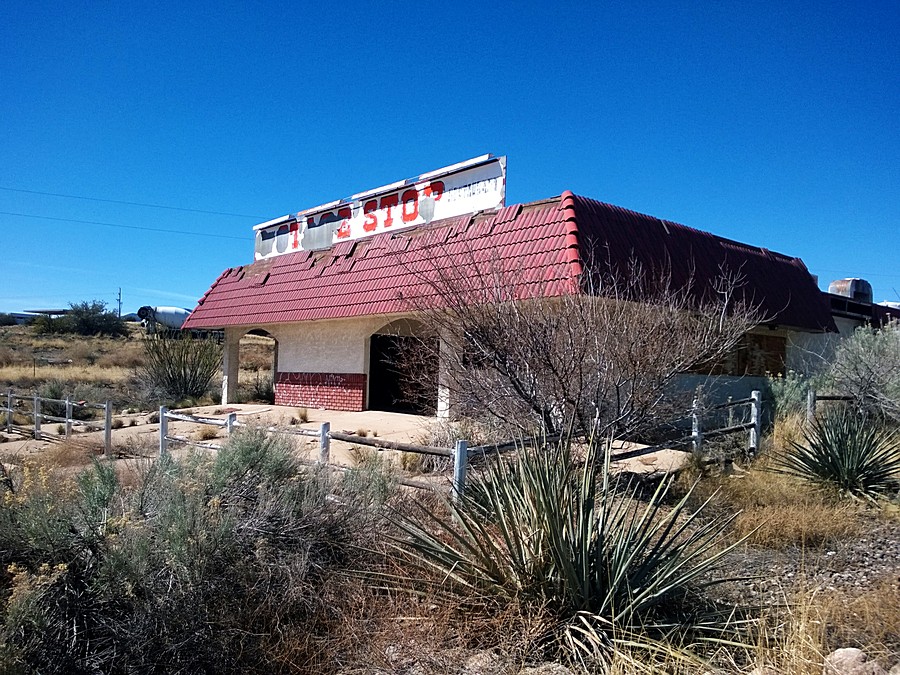
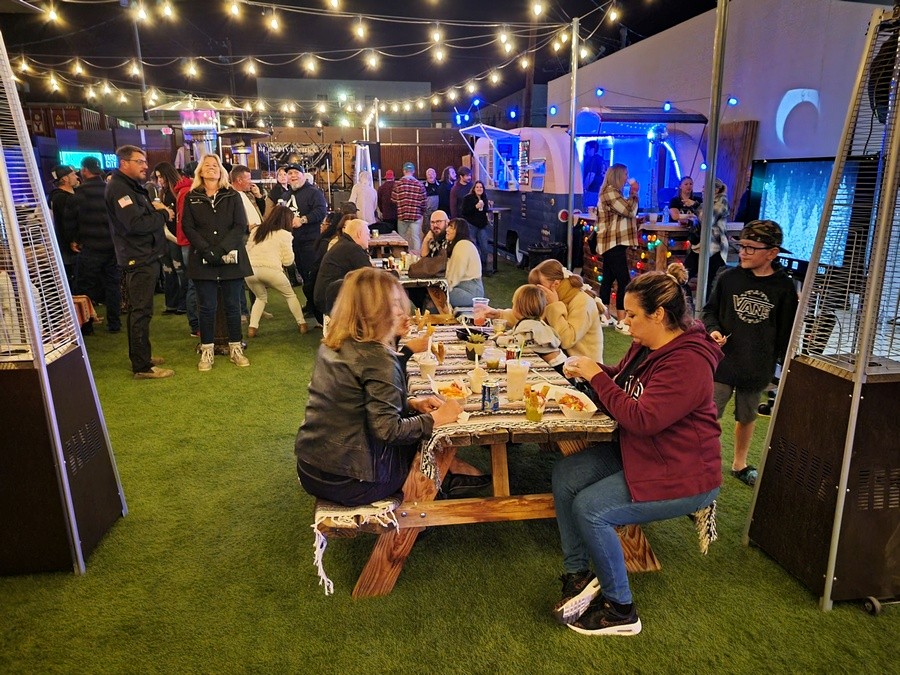
The four laptop computers used in processing these photographs are all considered very-low to low-power computers. Three of the four operating systems are no longer supported by Microsoft.
All four laptops were running Microsoft Windows NT-family operating systems supporting the Win32 application environment. Files were stored in the “Pictures” directory of the operating system. JPEG files were in the 6.0mb to 9.0mb range, TIFF files were in the 60mb to 90mb range and DNG files were in the 36mb to 40mb range. All processing was done using FastStone Image Viewer 8.5. In acquiescence to a current practice, output from all four systems was fed into an external (but general-purpose) monitor.
1. HP 625, Athlon II processor, integrated graphics, 4gb ram, running Windows XP. Indexing the “Picture” directory took initially a minute or so but after the initial scan it presented no problems. Some processing operations were slower to execute than others. Noise reduction took 30 to 45 seconds to complete.
2. Dell Latitude D830, Intel Core 2 Duo processor, integrated graphics, 4gb ram, running Windows 7 Professional. The vast majority of processing operations system ran well with little to no lag or hesitation. Operations like noise reduction were still somewhat slow to apply.
3. HP 15-af152n, AMD A8 processor, Radeon R5 graphics (integrated), 8gb ram running Windows 10 Home. This system had no difficulty with any operation requested. It appears this combination is the point at which the strength of the hardware and operating system meet the requirements of the operations requested.
4. Dell Latitude 3500, Intel Core i5 processor, integrated graphics, 16gb ram, running Windows 11 Home. Although considered obsolete hardware in many quarters, this system represents a refinement of both hardware and operating system that far out paces the processing requirements. The FastStone software ran flawlessly and execution time on all requested operations ranged from essentially real time to literally just seconds (noise reduction).
All of the articles on this website are contained in the downloadable white paper "Operationalizing the Language of Photography for Effective Storytelling". To download the paper, click here.